How to Repurpose UGC Across Meta, TikTok and YouTube for Telehealth
Concepts shown are internal creative studies, not client campaigns.
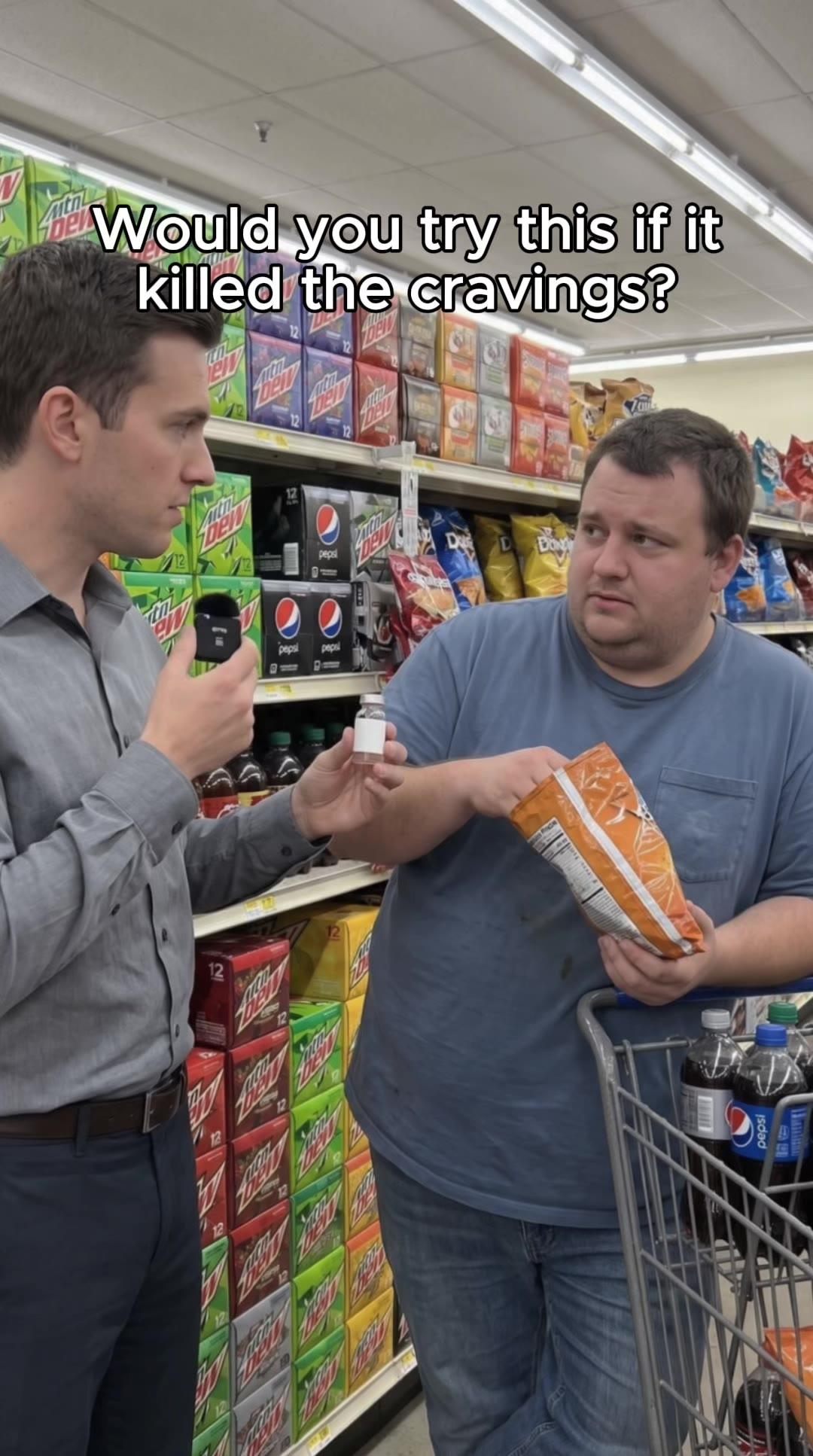
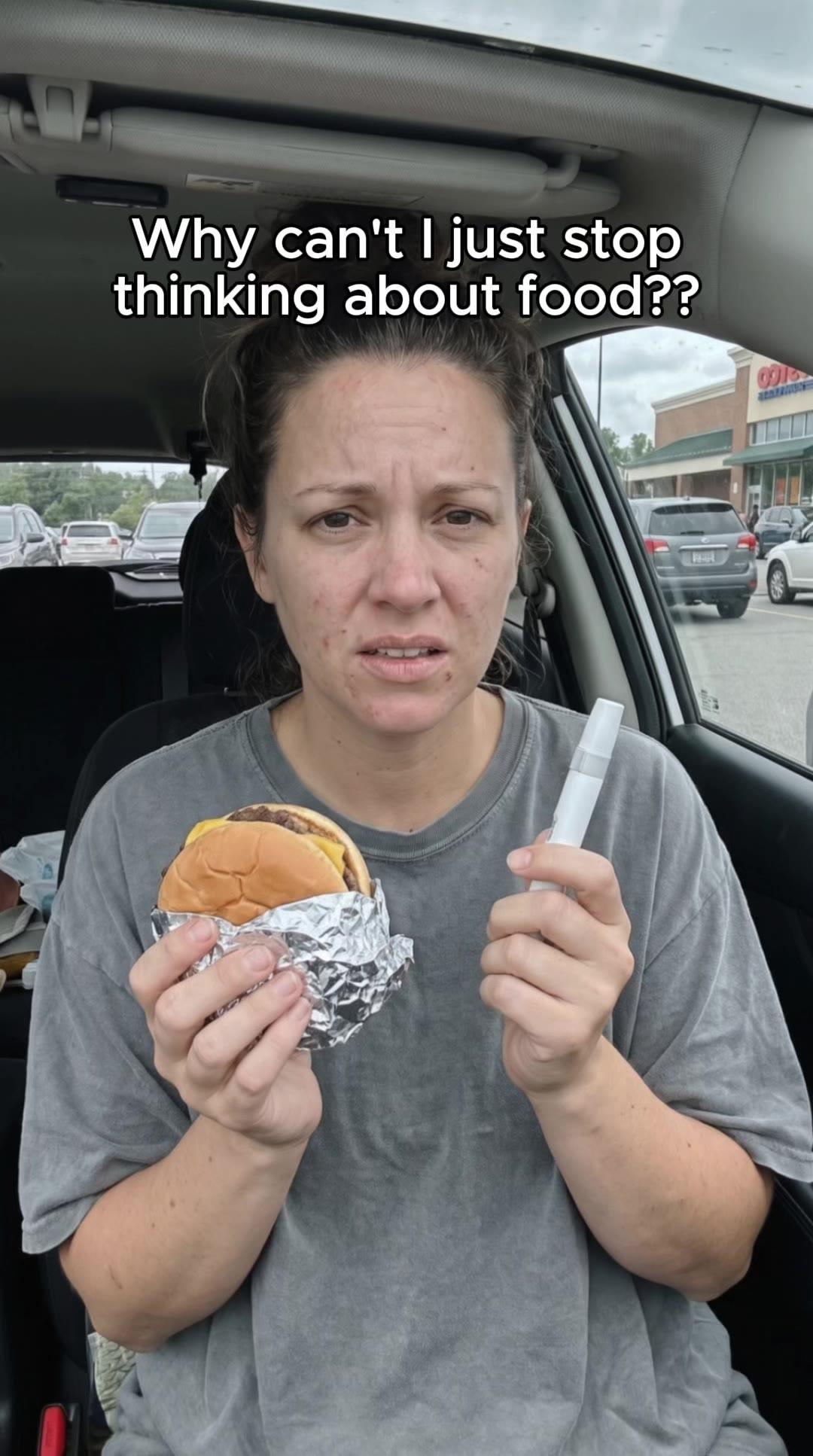
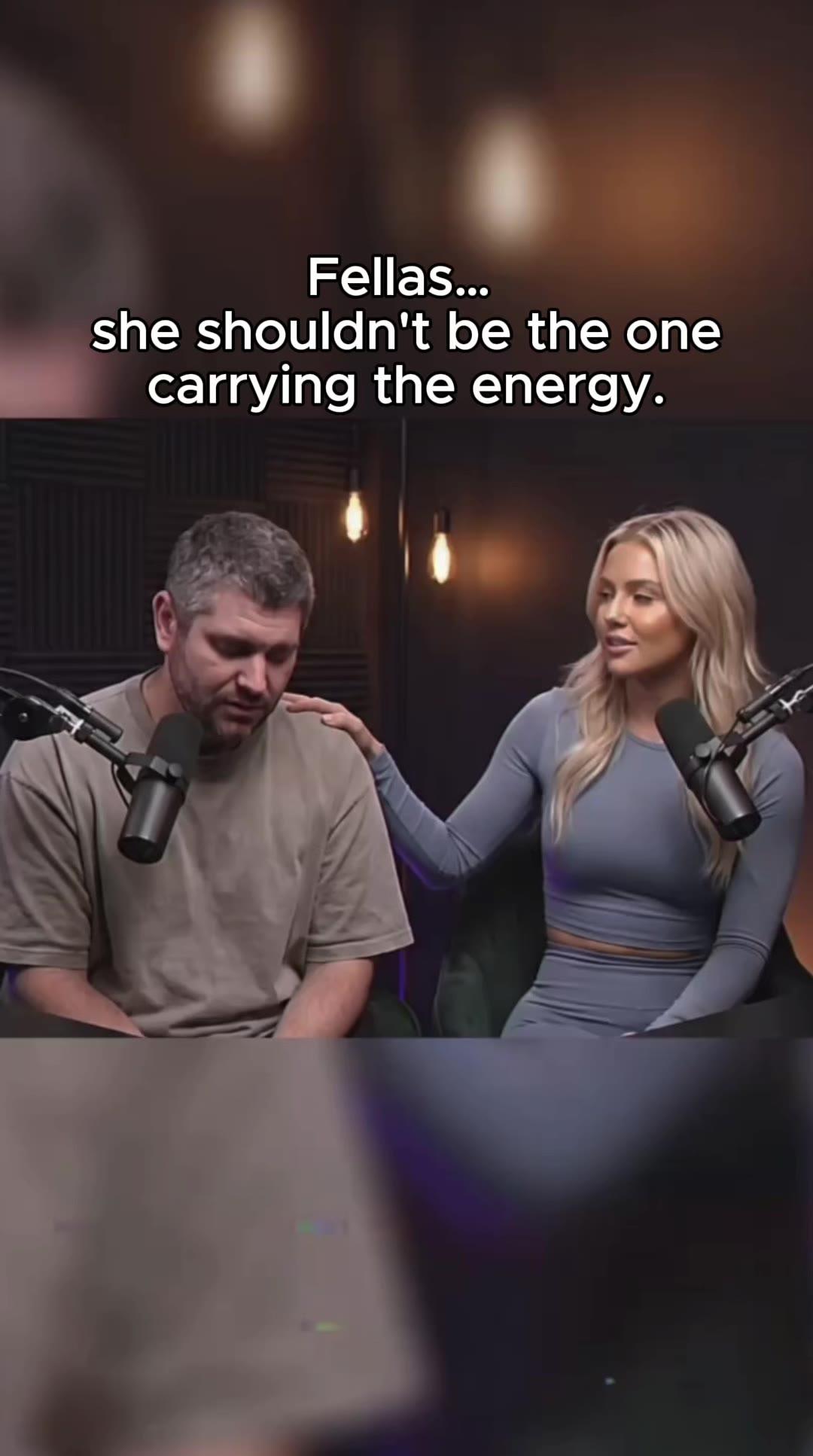
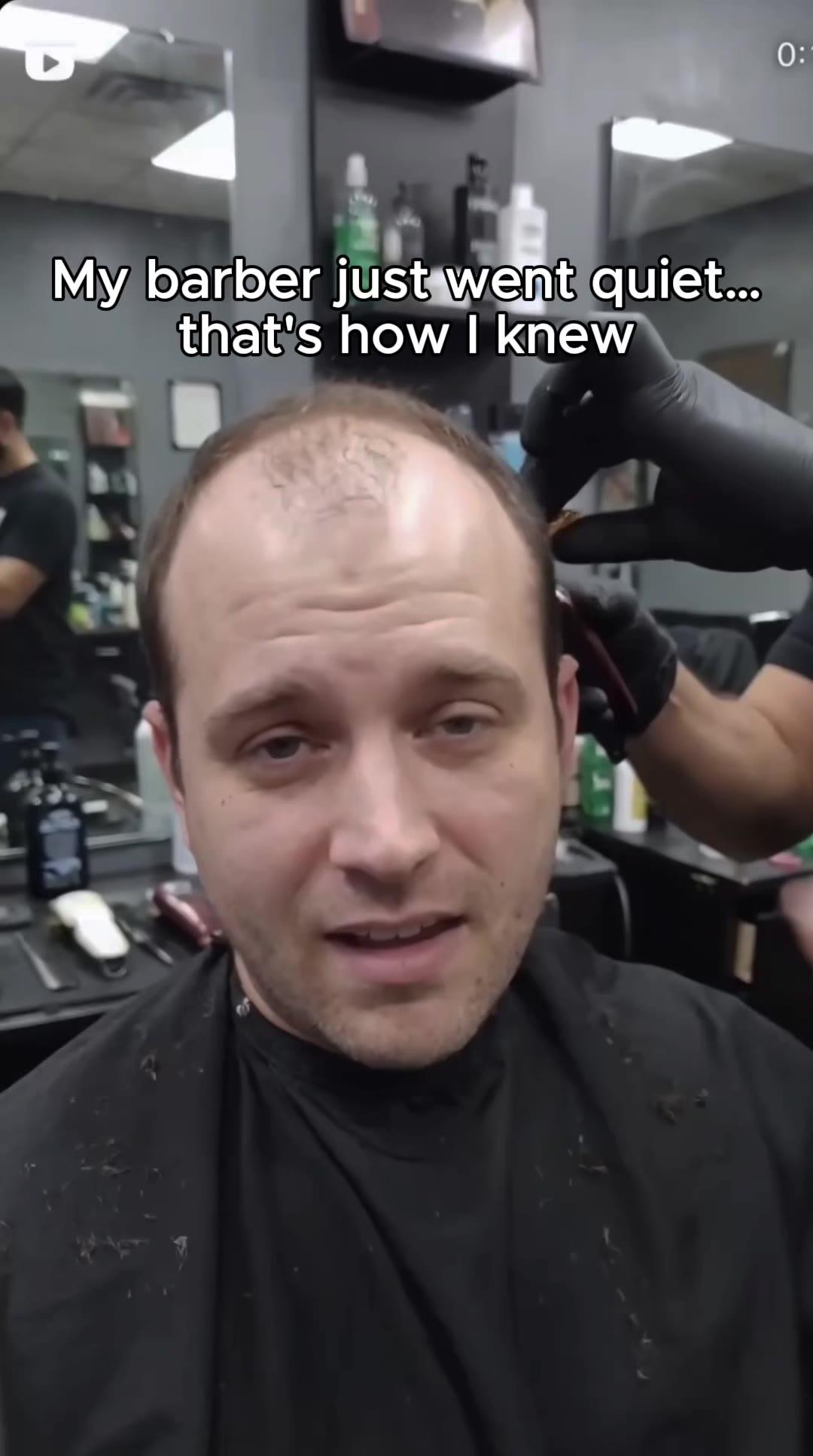

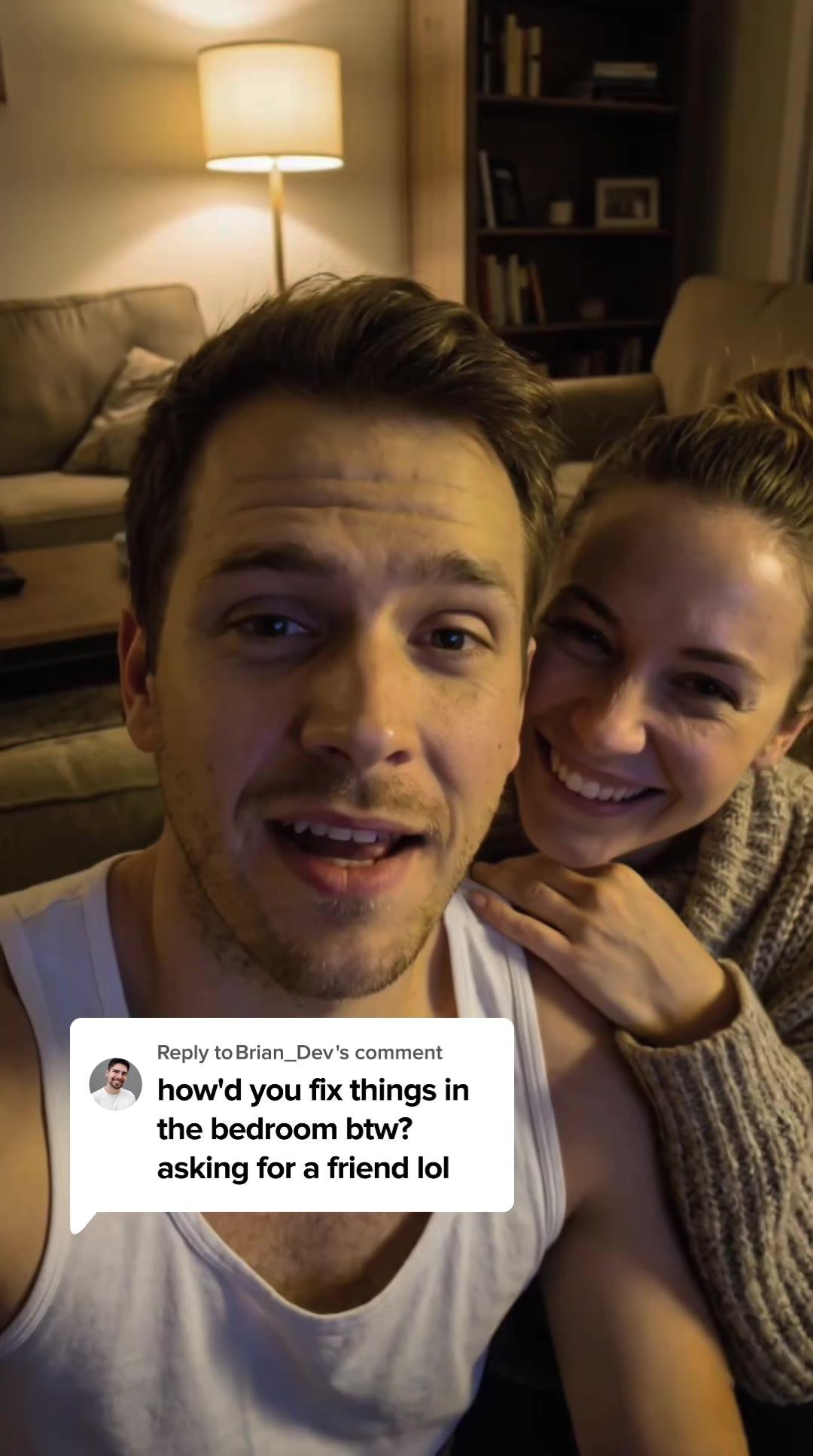

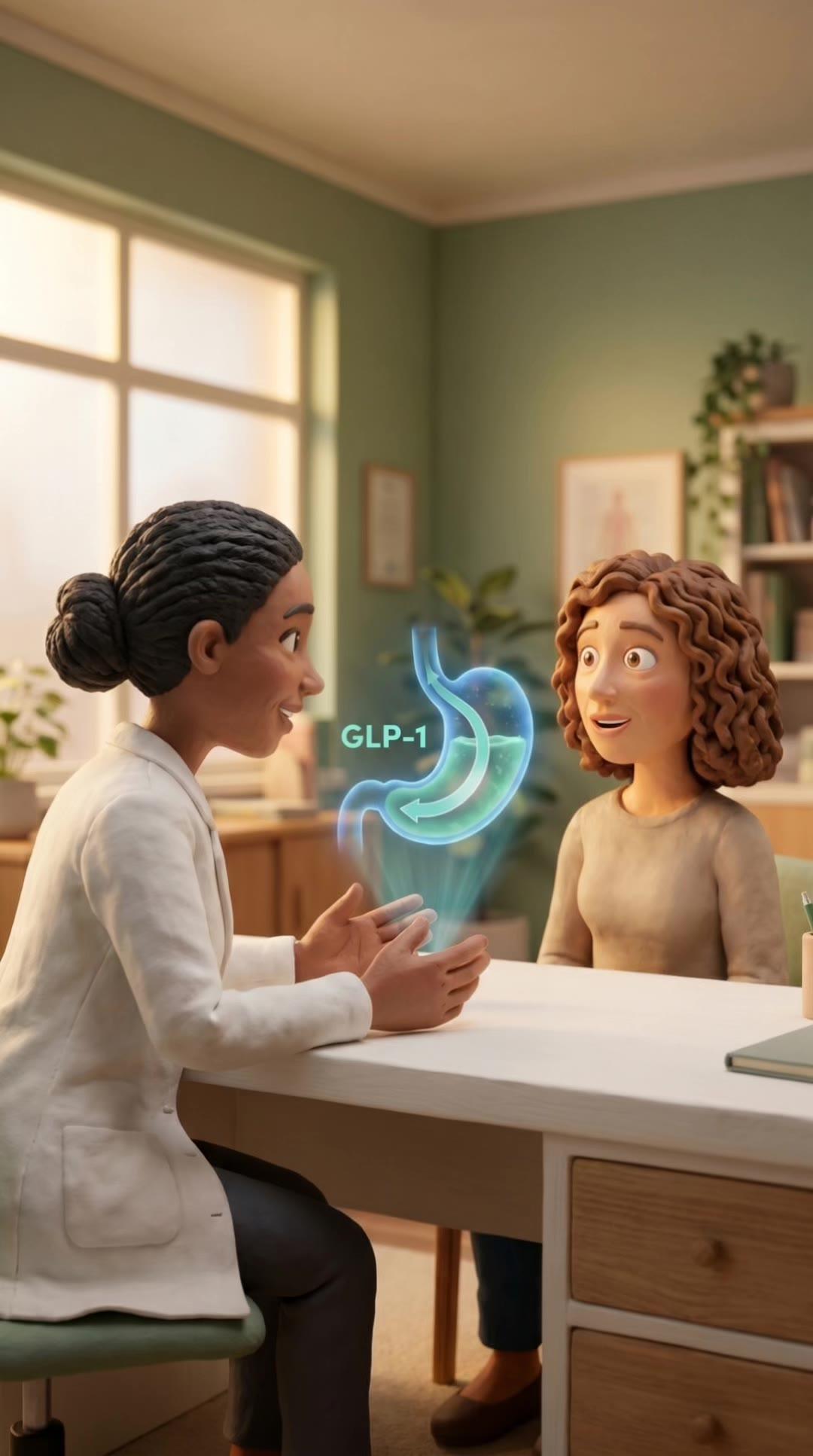
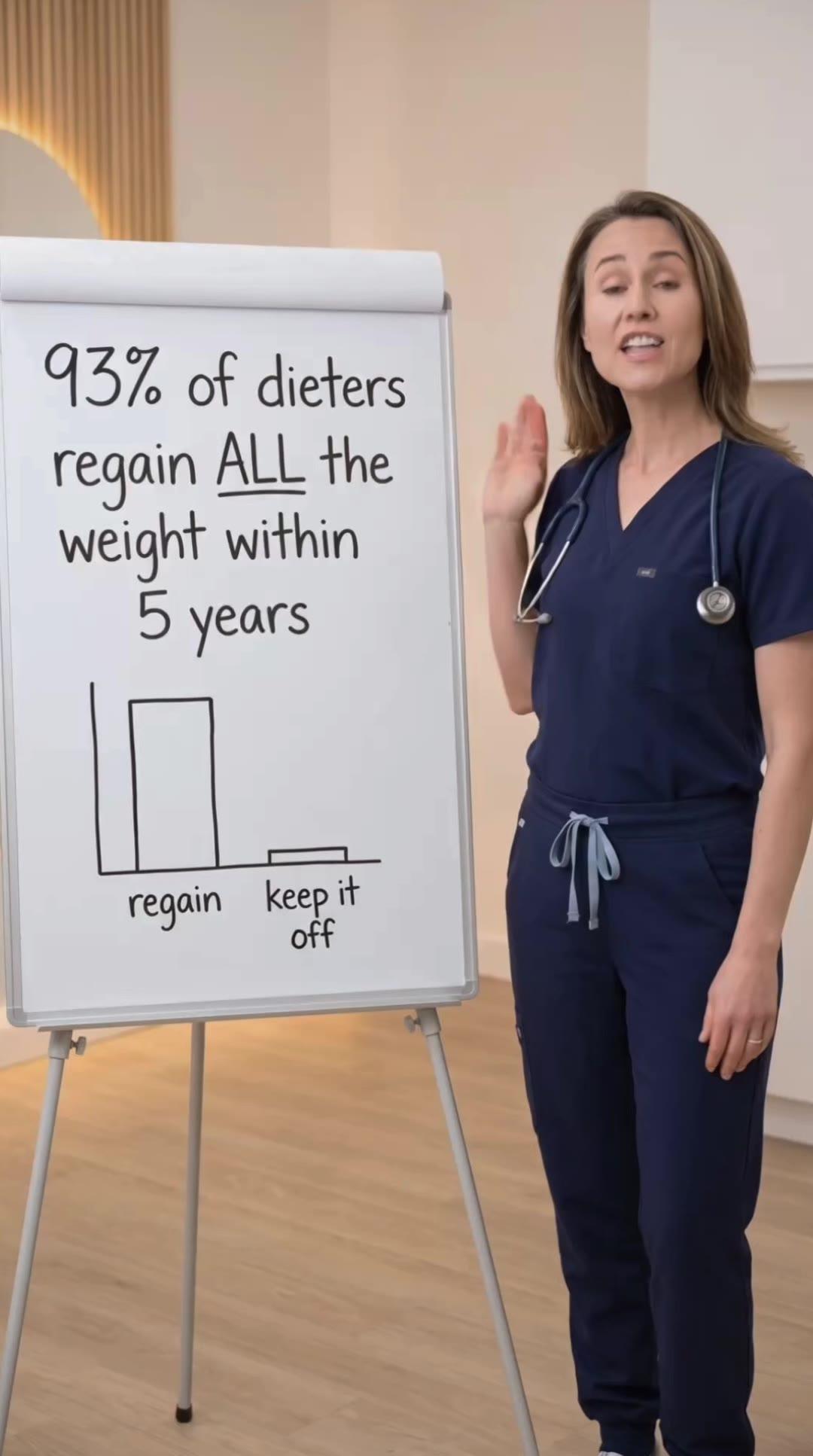
Most telehealth brands film UGC once and upload the same video to every platform. They assume that if a video works on Meta, it'll work on TikTok and YouTube. But platform algorithms, audience behaviors, and creative expectations differ significantly. A high-performing Meta ad often flops on TikTok because the pacing, format, or style doesn't match what TikTok audiences expect.
Repurposing UGC effectively means adapting content to fit each platform's norms while maintaining the core message. This doesn't require refilming. It requires thoughtful editing, format adjustments, and understanding what each platform rewards. This guide explains how to take a single piece of UGC and optimize it for Meta, TikTok, and YouTube without sacrificing performance.
Start With Platform-Agnostic Raw Footage
When briefing creators, request vertical (9:16) and horizontal (16:9) raw footage. Also request multiple takes of the hook and key talking points. This gives you flexibility to edit different versions without being locked into a single performance. Raw footage is your creative library; the more variety you capture upfront, the more options you have for repurposing later.
Film content with repurposing in mind. Avoid platform-specific references in the script. Don't say "swipe up" or "click the link in my bio" because those CTAs don't work on every platform. Use generic CTAs like "learn more" or "get started" that can apply anywhere. Platform-agnostic scripts make repurposing seamless.
Also capture b-roll or cutaway shots if the creator is comfortable filming them. B-roll of the creator walking, looking at their phone, or in different settings gives you editing options. You can use b-roll to cover edits, add visual interest, or extend video length without requiring the creator to deliver more dialogue. B-roll multiplies the value of each shoot.
We produce paid social creative exclusively for telehealth brands. From 18 to 200 assets per month.
Get in TouchHow to Adapt UGC for Meta Ads
Meta favors polished, clear content with strong hooks and captions. When repurposing UGC for Meta, prioritize clean visuals, tight pacing, and text overlays that reinforce the message. Meta audiences often watch with sound off, so captions are mandatory. Use large, readable text and place it in the center third of the screen where it won't be cut off by feed UI.
For Meta feed placements, keep videos 15-30 seconds. Longer videos work for in-stream placements but underperform in feed because users scroll quickly. Edit your raw footage down to the most impactful 20 seconds: strong hook, clear value, and CTA. Remove filler, pauses, and tangents. Meta rewards concise, high-density content.
Also test adding branded elements like logos or end screens. Meta audiences are more tolerant of branding than TikTok audiences. A small logo in the corner or a 2-second branded end card doesn't hurt performance and reinforces brand recall. Just don't let branding overwhelm the content. The creator's face and message should still be the focus.
How to Adapt UGC for TikTok Spark Ads
TikTok rewards raw, authentic content that feels native to the platform. When repurposing UGC for TikTok, strip away polish. Remove branded elements, reduce text overlays, and use TikTok's native editing tools to add effects or transitions. The goal is to make the video look like it was filmed and edited on a phone, not in professional editing software.
For TikTok, keep videos under 25 seconds for maximum completion rate. The algorithm prioritizes watch time, so shorter videos that people watch fully perform better than longer videos that people abandon. Edit aggressively to remove anything that doesn't directly contribute to the hook or message. Every second must earn its place.
If you're running Spark Ads (promoted organic posts), the video must be posted to the creator's TikTok account first. This means the creator needs to approve the final edit. Brief them that the TikTok version will be shorter and more casual than the Meta version. Also remove any Meta-specific watermarks or branding before posting. TikTok's algorithm suppresses content with competitor branding.
How to Adapt UGC for YouTube Ads and Shorts
YouTube pre-roll ads perform best at 30-60 seconds. YouTube audiences expect longer content and don't mind ads that provide value or tell a story. Use your raw footage to create a longer edit that walks through the full message: hook, problem, solution, and CTA. YouTube's audience is more patient than Meta or TikTok, so you can include more detail without losing attention.
For YouTube Shorts, edit a 30-45 second vertical video that matches the pacing of TikTok but allows for slightly more depth. Shorts audiences tolerate longer content than TikTok users but still expect fast pacing. Use captions because many viewers watch without sound. Also add a clear CTA at the end because Shorts don't have clickable links in the description during playback.
YouTube allows more explicit branding than TikTok, so consider adding a branded intro or outro for pre-roll ads. A 2-second branded intro doesn't hurt performance if the hook immediately follows. For Shorts, skip the intro and lead with the hook. Shorts viewers scroll as quickly as TikTok users, so every second of the first three is critical.
UGC formats we produce for telehealth.
See the work →Platform-Specific Caption and Text Overlay Strategies
For Meta, use bold, high-contrast captions that are easy to read on small screens. Place text in the center of the frame and avoid the top and bottom edges where UI elements may cover it. Test different caption styles: full subtitles versus key phrases only. Full subtitles improve accessibility; key phrases reduce visual clutter. Performance data will tell you which works better for your audience.
For TikTok, use TikTok's native caption tool rather than burned-in captions. Native captions feel more organic and signal to the algorithm that the content was created on the platform. If you must use burned-in captions, mimic TikTok's visual style: simple, sans-serif fonts without heavy borders or effects. Overly styled text looks like an ad, which hurts organic reach.
For YouTube, captions are optional for pre-roll ads but recommended for Shorts. YouTube's auto-captions work well enough that you don't always need to add custom captions. However, for telehealth content with specific terminology, custom captions prevent errors. Also use text overlays to emphasize key points or CTAs, especially in Shorts where clickable elements aren't available during playback.
Testing Hook Variations Across Platforms
The same hook doesn't always perform equally across platforms. A curiosity hook that works on TikTok might underperform on Meta where audiences expect more direct value. Test different hooks for each platform by editing multiple versions of the same video with varying first three seconds. This reveals platform-specific hook preferences without requiring new creator shoots.
For example, test a problem-focused hook ("I was tired of low energy") on Meta and a curiosity hook ("I didn't expect this") on TikTok. Run small test budgets ($500-$1,000 per variation) and measure CTR and CPA. The winning hook for each platform informs future creative direction. Over time, you'll identify patterns: Meta audiences respond to X, TikTok audiences respond to Y.
Also test whether to use the same creator across platforms or different creators for each. Some creators perform well on TikTok but flop on Meta. Others are universal. Testing creator-platform fit prevents you from wasting budget on combinations that don't work. If a creator's content drives strong CPA on Meta but weak CPA on TikTok, use them exclusively for Meta.
Format and Aspect Ratio Considerations
Vertical (9:16) is mandatory for TikTok and optimal for Meta feed placements and YouTube Shorts. Horizontal (16:9) is required for YouTube pre-roll and some Meta placements like in-stream video. Square (1:1) works for Meta feed but underperforms compared to vertical. Always shoot vertical first because it's the most versatile format across platforms.
If you only have vertical footage and need horizontal, you can crop or add side panels, but this reduces quality. It's better to capture horizontal footage during the shoot. Brief creators to film two versions: vertical for TikTok/Meta/Shorts and horizontal for YouTube pre-roll. This takes an extra 30 seconds during filming and saves hours of editing workarounds later.
Also consider safe zones for each format. Meta and TikTok UI elements cover the top and bottom 15% of vertical videos. Keep important visual elements (faces, text) in the middle 70% of the frame. For horizontal YouTube ads, avoid placing text or faces in the bottom right where the skip button appears. Understanding safe zones prevents your content from being obscured by platform UI.
Audio and Music Differences by Platform
TikTok heavily favors trending audio. If you're running Spark Ads, use trending sounds that align with your message. For paid TikTok ads (TopView, In-Feed), you're limited to TikTok's commercial music library. Browse the library and select tracks that match the energy and tone of your content. Avoid using copyrighted music from other platforms; TikTok will reject or mute the video.
Meta allows custom audio but doesn't prioritize trending sounds the way TikTok does. Use the creator's natural voice with minimal background music. If you add music, keep it subtle so it doesn't overpower the creator's speech. Meta audiences watch with sound off more often than TikTok audiences, so audio is secondary to captions.
YouTube tolerates longer, more traditional music beds. For pre-roll ads, consider adding background music that reinforces the tone: calm and trustworthy for TRT/ED content, upbeat and motivational for GLP-1 content. For Shorts, treat audio like TikTok: keep it simple and let the creator's voice lead. Over-produced audio feels out of place on Shorts.
Track Performance by Platform to Inform Future Repurposing
Don't assume a video that performs well on one platform will perform equally everywhere. Track CPA, CTR, and conversion rate separately for Meta, TikTok, and YouTube. Some videos will be universal winners. Others will excel on one platform and flop on others. Use performance data to decide which videos to repurpose and which to leave platform-specific.
Also track which editing choices improve cross-platform performance. Does adding captions boost Meta CTR? Does removing branding improve TikTok completion rate? Does longer pacing work better on YouTube? Document these learnings and apply them to future repurposing. Over time, you'll develop platform-specific editing templates that maximize performance without starting from scratch every time.
Finally, calculate the ROI of repurposing versus creating platform-specific content. If repurposing a video to three platforms takes 2 hours and drives 80% of the performance of platform-native content, it's worth it. If repurposing delivers 40% performance, you're better off creating native content for each platform. Measure efficiency, not just output volume.
Need help repurposing and optimizing UGC across platforms for your telehealth brand? Book a call or explore our creative services.
UGC systems built for telehealth.
A 30-minute call. We audit your creative approach and show you exactly what a complete angle-format-hook system looks like for your vertical.