Setting Up Meta Partnership Ads Step by Step for Telehealth
The technical and operational process for launching Meta partnership ad campaigns for telehealth brands — from eligibility and access through campaign setup and ongoing management.
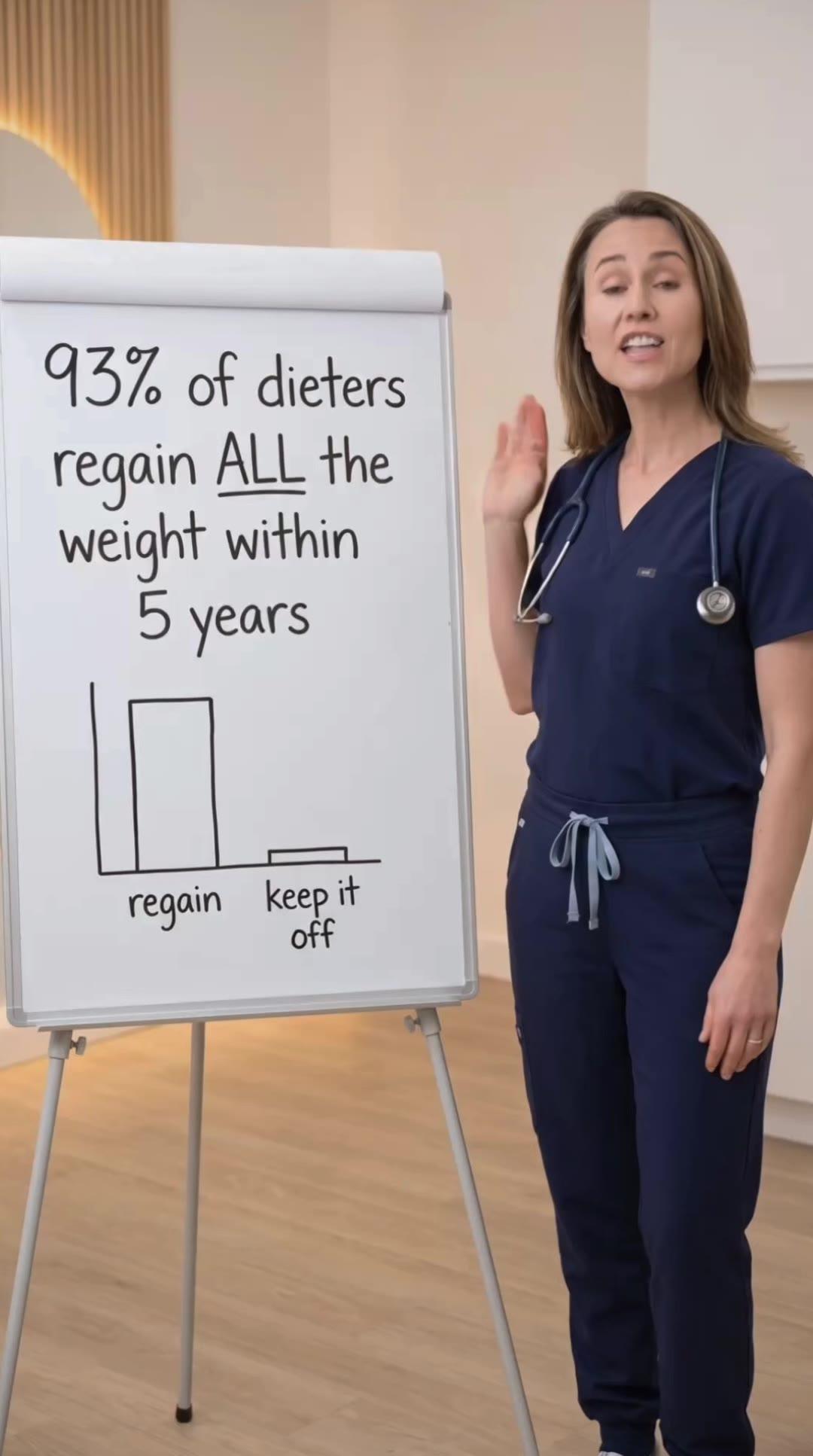
Concepts shown are internal creative studies, not client campaigns.





Setting up Meta partnership ads for telehealth brands involves more moving parts than standard campaign setup — you are coordinating between your Business Manager, a creator's account, and Meta's partnership ads infrastructure simultaneously. Getting the setup right the first time prevents the access and permissions issues that typically delay the first campaign launch by days or weeks. This is the technical foundation for any creator-based component of your telehealth paid social distribution strategy.
Prerequisites Before Beginning Setup
Before initiating any partnership ads setup, confirm that your Business Manager is in good standing — no outstanding policy violations, a verified business account, and an active ad account with payment method configured. Partnership ads run through your ad account; any issues at the account level affect partnership campaign delivery the same way they affect standard campaigns.
The creator must have a professional account on Instagram or a Facebook Page. Personal profiles cannot participate in partnership ads — the creator needs a creator or business account type that has access to Meta's creator tools. Confirm this with the creator before beginning the setup process, as personal-to-professional account conversion can take time and requires creator action.
The creator's account must be eligible for the branded content tool. Eligibility requirements include meeting Meta's partner monetization policies, having an account in good standing with no recent significant policy violations, and in some cases meeting follower count thresholds that vary by product and region. Confirm eligibility before committing to a partnership arrangement, as ineligible accounts cannot participate regardless of how well the creator meets your other selection criteria.
Initiating the Partnership Access Request
The brand initiates the partnership ads access request from within Ads Manager. Navigate to a new or existing campaign, and when setting up ad creative, select the option to use a creator's account as the page identity. You will see an option to send a partnership ads request. Enter the creator's Facebook Page name or Instagram handle to initiate the request.
The creator receives the partnership request through their Creator Studio or Meta Business Suite notification system. They must actively accept the request before you can run campaigns from their account. This acceptance step is where setup delays most commonly occur — creators who are not actively monitoring their Meta business tools can take days to see and respond to the request. Coordinate with the creator in advance so they know to look for the request immediately after you send it.
There are two levels of access the creator can grant. Campaign-level access requires the creator to approve each individual campaign before it runs. Account-level access allows you to run campaigns from the creator's account without requiring per-campaign approval. For brands running high creative volumes, account-level access is significantly more operationally efficient. Negotiate the access level as part of the creator agreement, not after the technical setup is complete.
Campaign Structure for Partnership Ads
Partnership ad campaigns are structured in Ads Manager identically to standard campaigns. You set objectives, campaign budgets, ad set targeting, and ad creative using the same workflow. The only structural difference is that you select the creator's page or profile as the identity the ad will run from rather than your brand page.
For telehealth campaigns, start with the same campaign objectives you use for standard campaigns: conversion campaigns optimized for the intake or consultation event most relevant to your business. Partnership ads use the same pixel events, the same conversion tracking, and the same bidding strategies as standard campaigns. Do not change your standard campaign setup practices to account for the partnership ad structure — the optimization signals work identically.
When building the ad creative within a partnership campaign, you will see the "Paid partnership with [Brand Name]" label as a required element of the ad format for Instagram partnership ads. For Facebook, the format may vary slightly. The label appears automatically once the partnership is set up correctly — you do not need to add it manually. Confirm the label is appearing correctly in the ad preview before publishing.
Concepts we ship across every awareness stage.
See the work →Managing the Creative Production Process
Partnership ad creative for telehealth brands is either produced by the creator, produced by the brand, or co-produced. Each approach has different operational implications. Creator-produced content requires a brief and approval process. Brand-produced content requires delivery to the creator in usable format. Co-produced content requires coordination between your creative team and the creator across the production cycle.
For telehealth brands where compliance review is mandatory before campaign launch, build the compliance review step into the creative production timeline explicitly. Creator-produced content needs to be reviewed by your compliance team before it enters Ads Manager, regardless of how experienced the creator is with healthcare content. Brief your compliance team on the partnership arrangement so they understand the context for the creative they are reviewing.
Establish a clear asset delivery process with each creator. Specify file formats, aspect ratios for each placement type, copy length requirements, and required disclosure language. Creative that arrives outside spec requires back-and-forth with the creator that delays campaigns. A clear production brief and a formal delivery checklist reduces this friction to near zero for established creator relationships.
Pixel Tracking and Attribution Setup
Partnership ads use your brand's pixel for conversion tracking — not the creator's pixel. When setting up the campaign, confirm that your pixel is associated with the campaign and that the conversion events you track for standard campaigns are configured identically. Partnership ads should produce the same conversion data granularity as your standard campaigns.
Attribution for partnership ads follows the same rules as standard ad attribution — view-through and click-through windows apply. For telehealth, where conversion cycles can be longer than typical e-commerce, consider setting longer click attribution windows for partnership campaigns the same way you would for standard campaigns in the same category. Consistent attribution settings across campaign types allow valid performance comparisons.
Create separate reporting views in Ads Manager that allow you to compare partnership ad performance against your brand account and persona page performance. This comparison should be part of every reporting cycle — the relative performance of different source identities across the same creative is one of the most valuable optimization signals available to telehealth advertisers running distributed campaigns.
Compliance Documentation for Partnership Campaigns
Document each partnership arrangement formally before launching any campaigns. The documentation should cover the creator's identity, the scope of the access granted, the duration of the arrangement, the compensation terms, the compliance obligations the creator has accepted (what claims they can and cannot make), and the approval process for all content that references the brand.
The brand is the advertiser of record for FTC and FDA compliance purposes regardless of which account runs the ad. This means your internal compliance review process must cover all partnership ad creative, and the documentation trail for compliance decisions must be maintained as rigorously as for brand account campaigns. Do not treat partnership ads as a lower-compliance-rigor channel because they run from a third party's account.
For states with specific telehealth advertising disclosure requirements, confirm whether the partnership ad format satisfies those requirements. Meta's partnership label provides platform-level disclosure of the paid relationship, but state-level or FTC-level disclosure requirements may require additional language in the ad copy itself. Work with your compliance team or counsel to confirm the disclosure sufficiency for your specific markets before launch.
What to Monitor After Launch
Monitor partnership ad campaigns through the same daily and weekly check cadence as standard campaigns. Review delivery, CPMs, click-through rates, and conversion events at the same intervals. Partnership ads are not self-managing — they require the same active optimization as any other campaign type.
Watch for any compliance notifications at the campaign or ad level. If a partnership ad receives a policy review notification or is restricted, address it through the same process as a standard campaign restriction. The creator's account status is also worth monitoring — any policy events at the creator account level can affect your campaign delivery, so maintain communication with the creator about any issues they encounter on their account.
Evaluate the partnership arrangement on a regular cadence — monthly or quarterly — against your performance benchmarks. If creator partnership campaigns are consistently outperforming page-based campaigns, that is a signal to invest more in the creator program. If performance is equivalent or below page campaigns, evaluate whether the creator fees justify the arrangement relative to your owned infrastructure.
Related Articles
How Meta Partnership Ads Work for Telehealth Brands
Meta's official partnership ads product — what it is, how it differs from page whitelisting, and why it matters for telehealth campaigns.
Creator Whitelisting vs Page Whitelisting
How creator-based and page-based whitelisting compare for telehealth brands across setup, cost, performance, and compliance.
Should Your UGC Creators Also Be Affiliates
Whether combining UGC creator whitelisting with affiliate arrangements makes sense for telehealth brands.
Whitelisting and Compliance for Telehealth Ads
How whitelisting interacts with FDA, FTC, and Meta platform compliance for telehealth brands running distributed ad campaigns.
Ready to build a testing system that scales?
A 30-minute call. We audit your creative approach and show you exactly what a complete angle-format-hook system looks like for your vertical.